
What is RiffJam?
Build an original heavy rock jam with drums, bass and expressive guitar, then explore Premium instruments. 1 min 18 sec.
Your next riff can happen anywhere
Pick, strum, bend and slide. Build riffs, record and mix: offline on your Android phone or tablet.
The app: no ads · no account · no analytics · works offline
Available now on Google Play · Version 0.34.0
Guitar, bass and drums are free. More instruments with Premium.
A band in your pocket. Watch a song come together on a tablet.
Build an original heavy rock jam with drums, bass and expressive guitar, then explore Premium instruments. 1 min 18 sec.
Hear the finished cover, then follow drums, bass, two guitars and Vocal Theremin joining the band. Uses Premium. 57 sec.
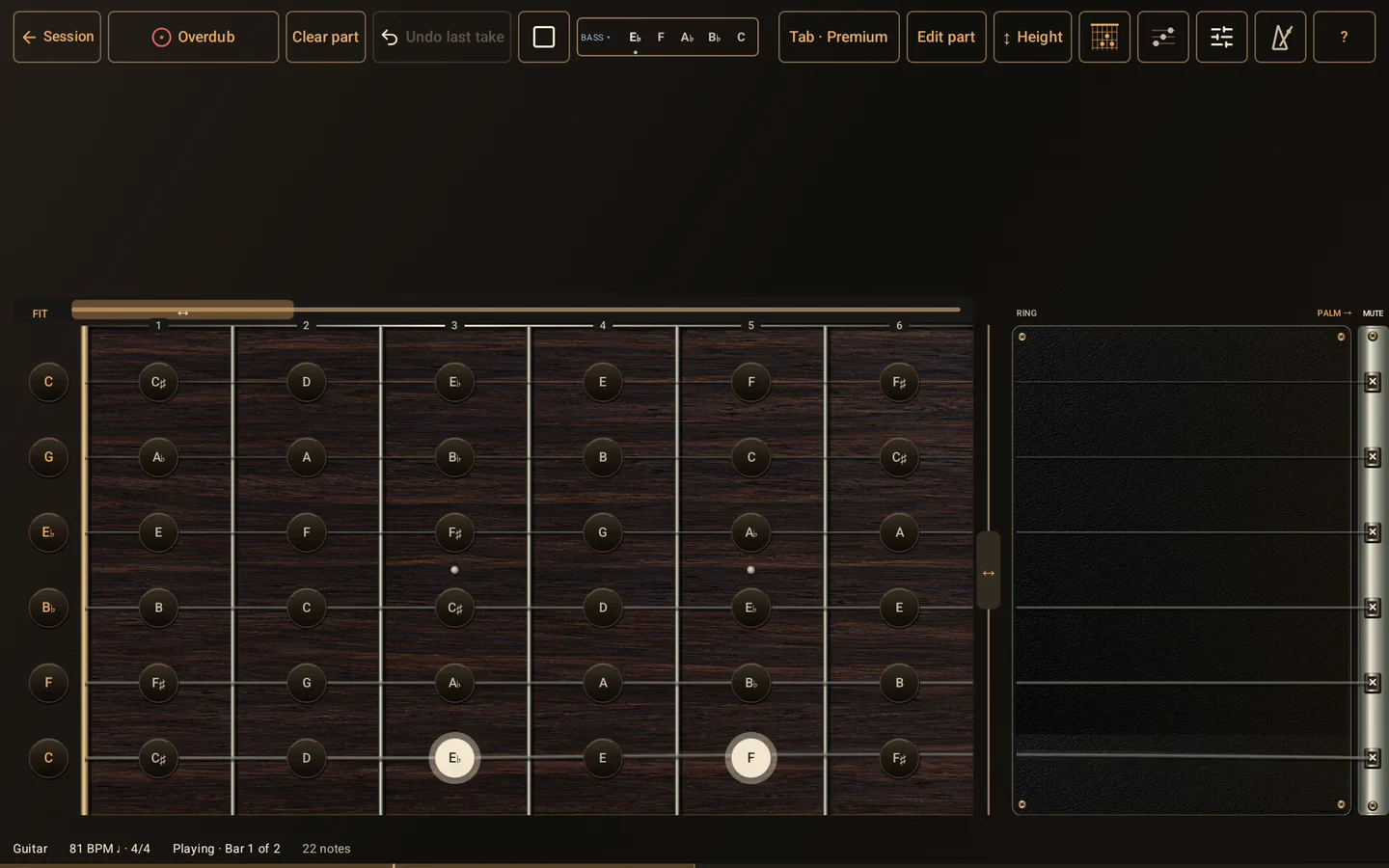
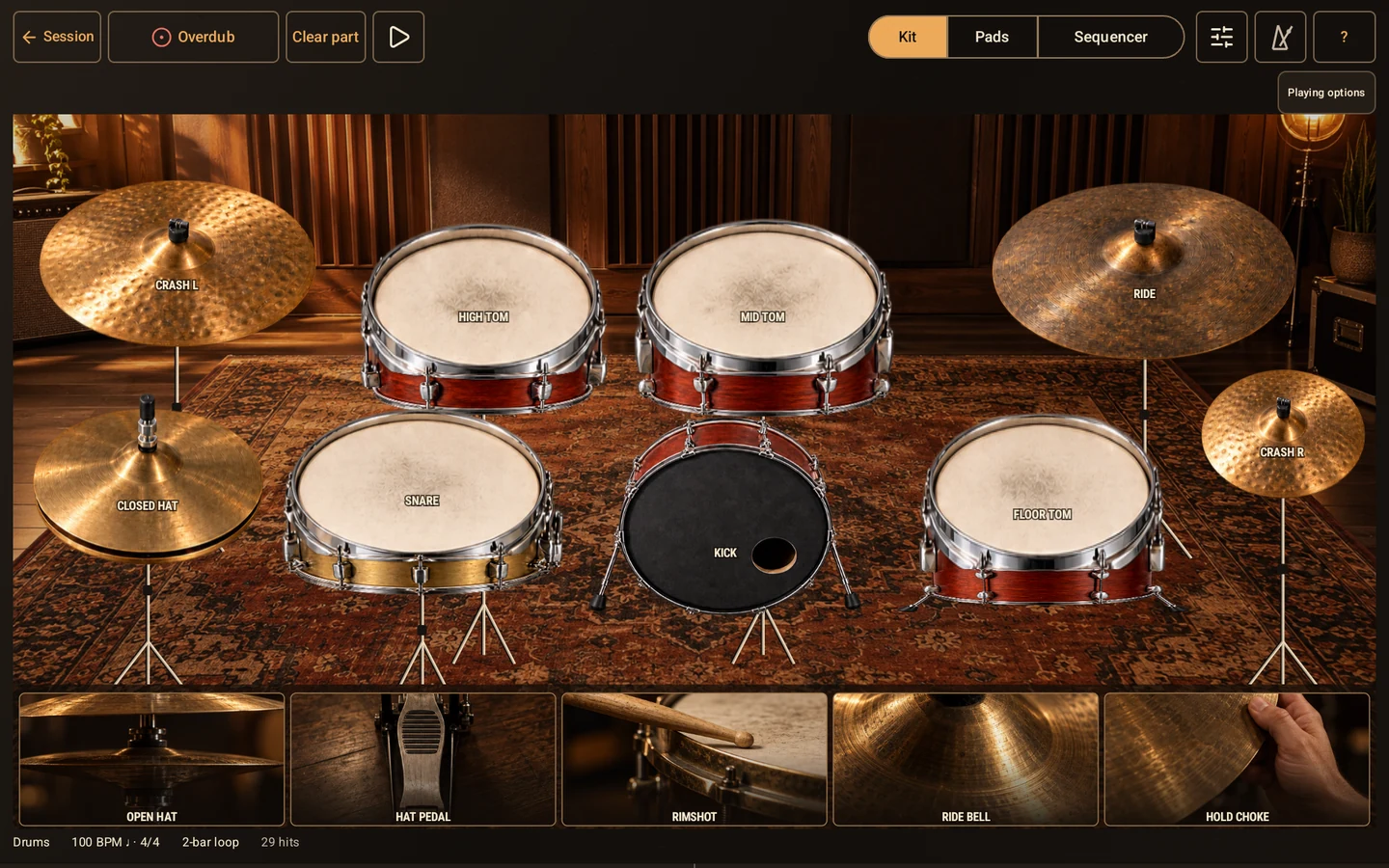
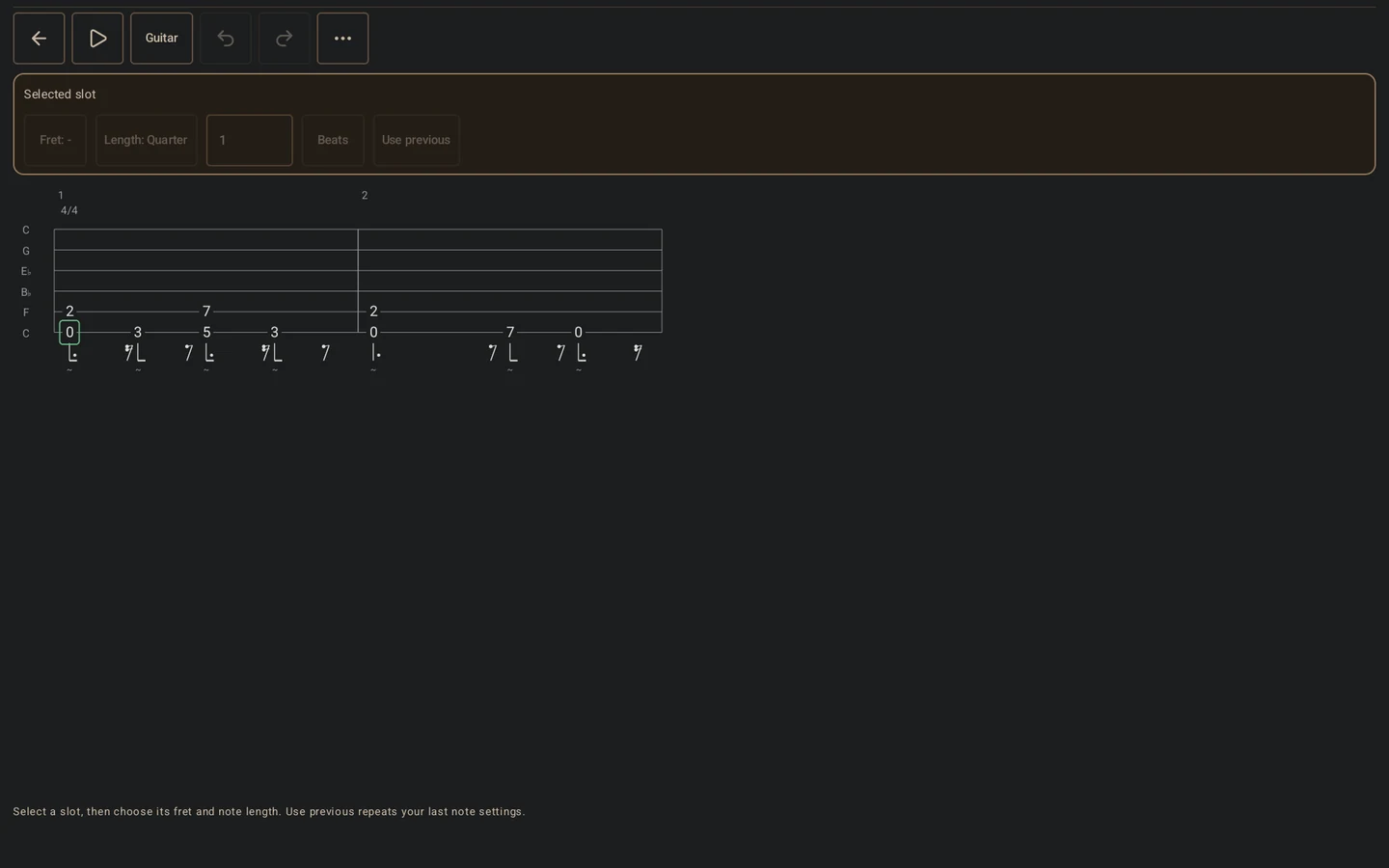
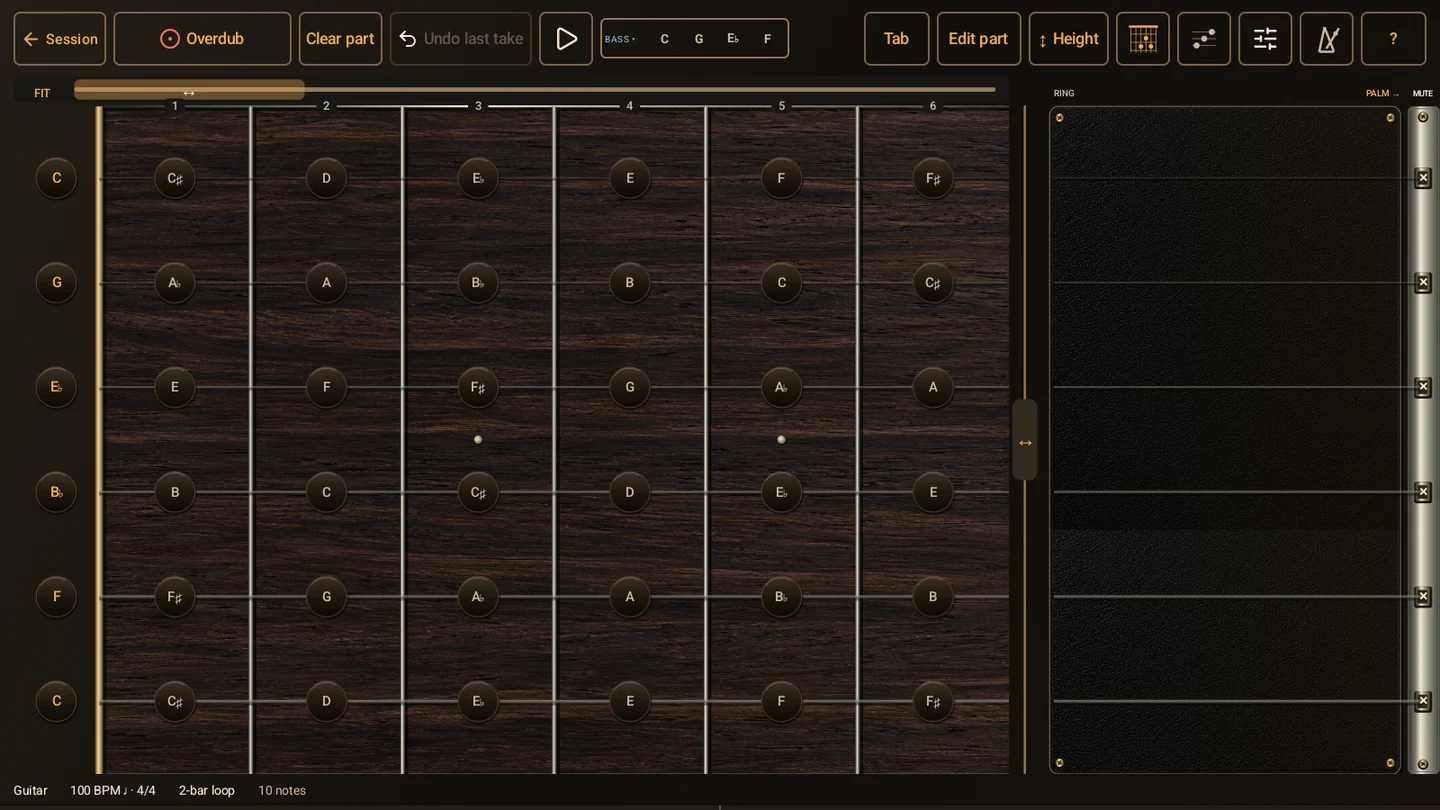
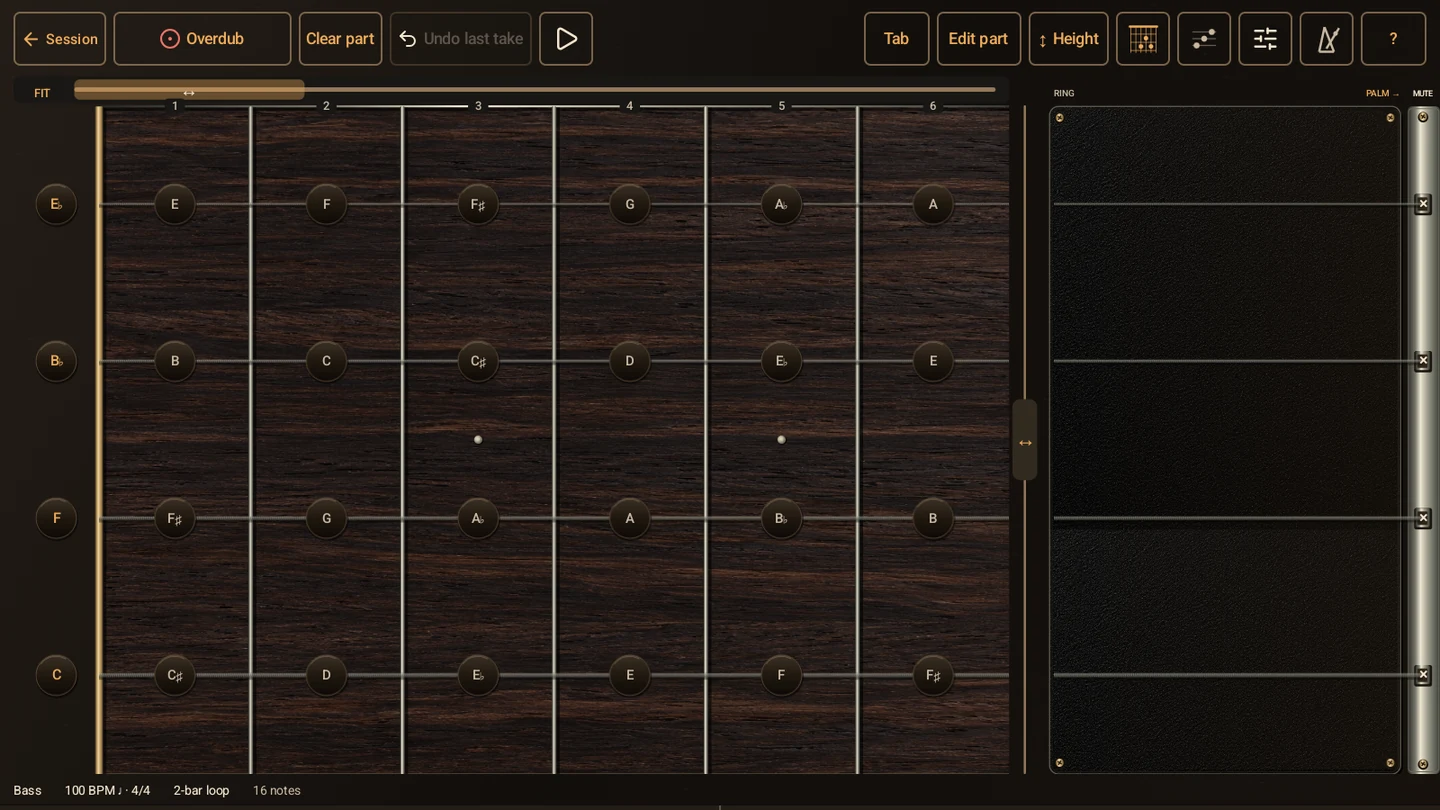
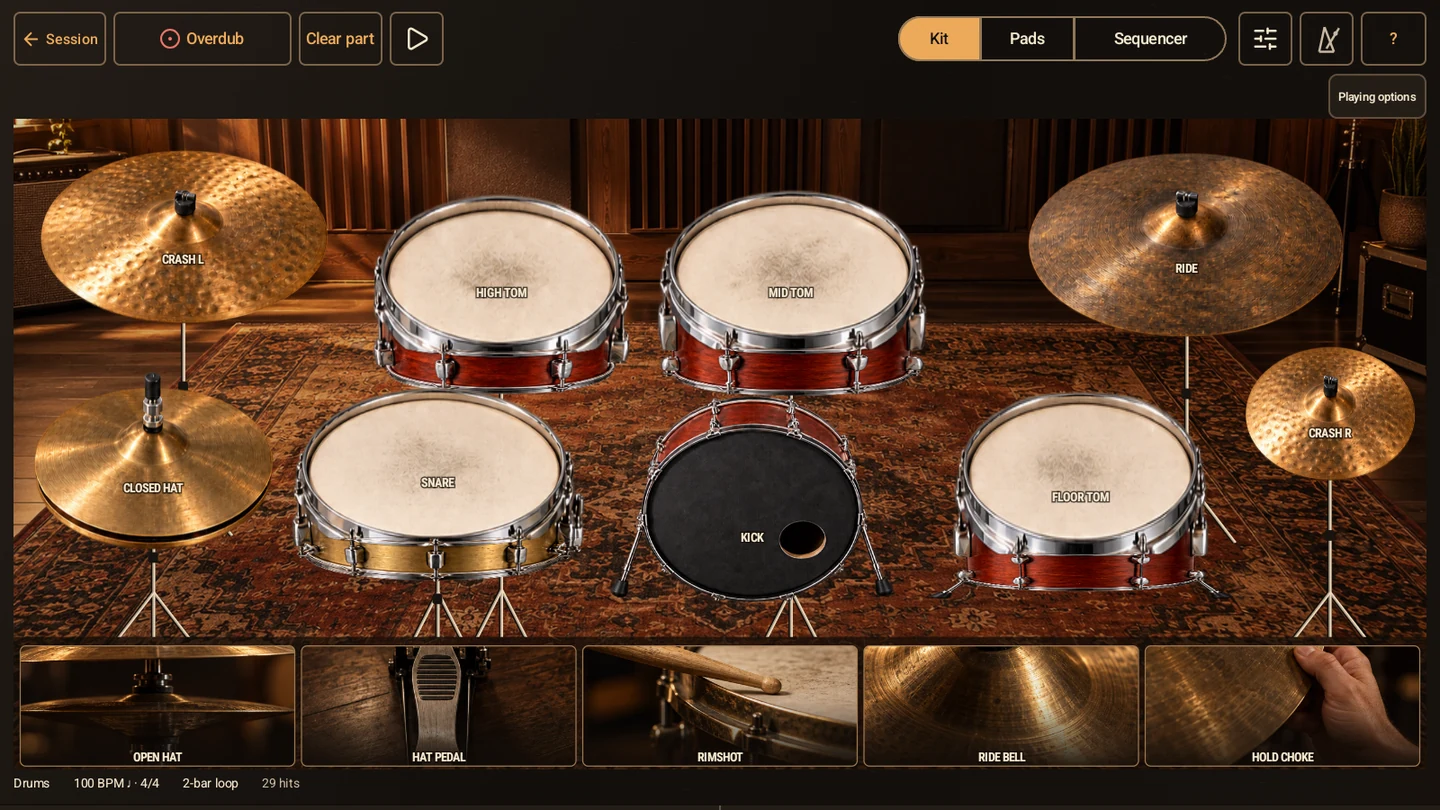
Six touch instruments, each with its own sounds and playing controls.
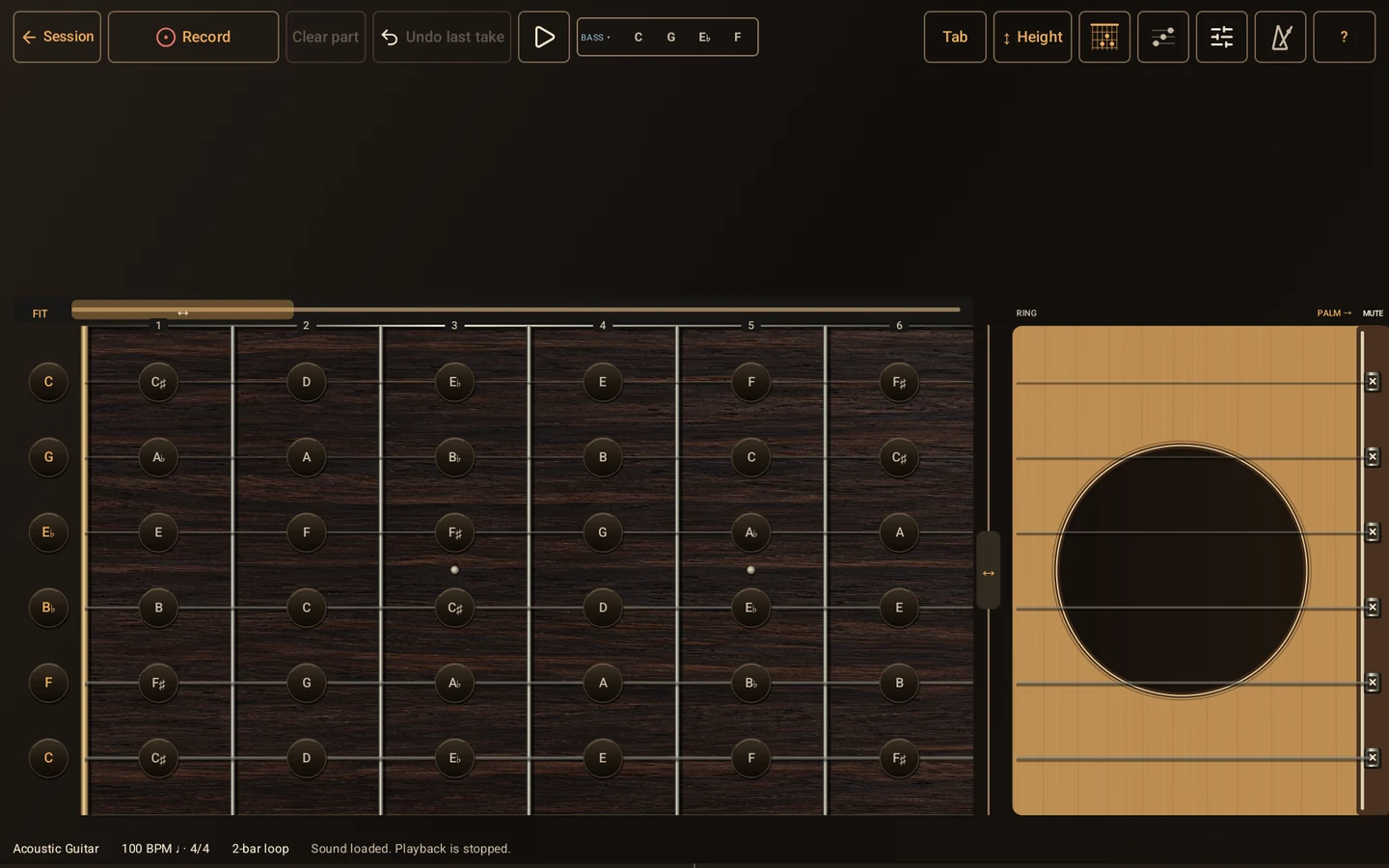
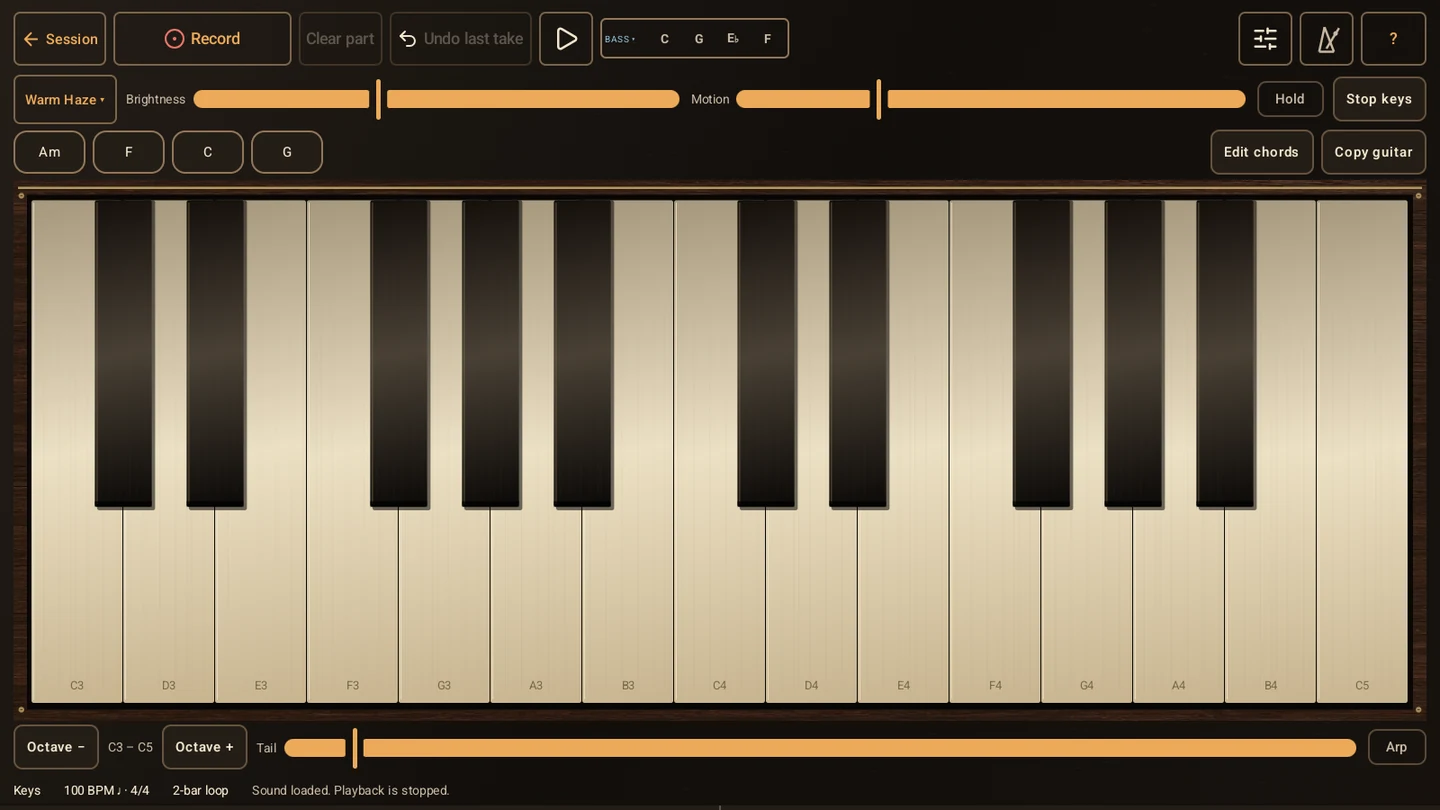
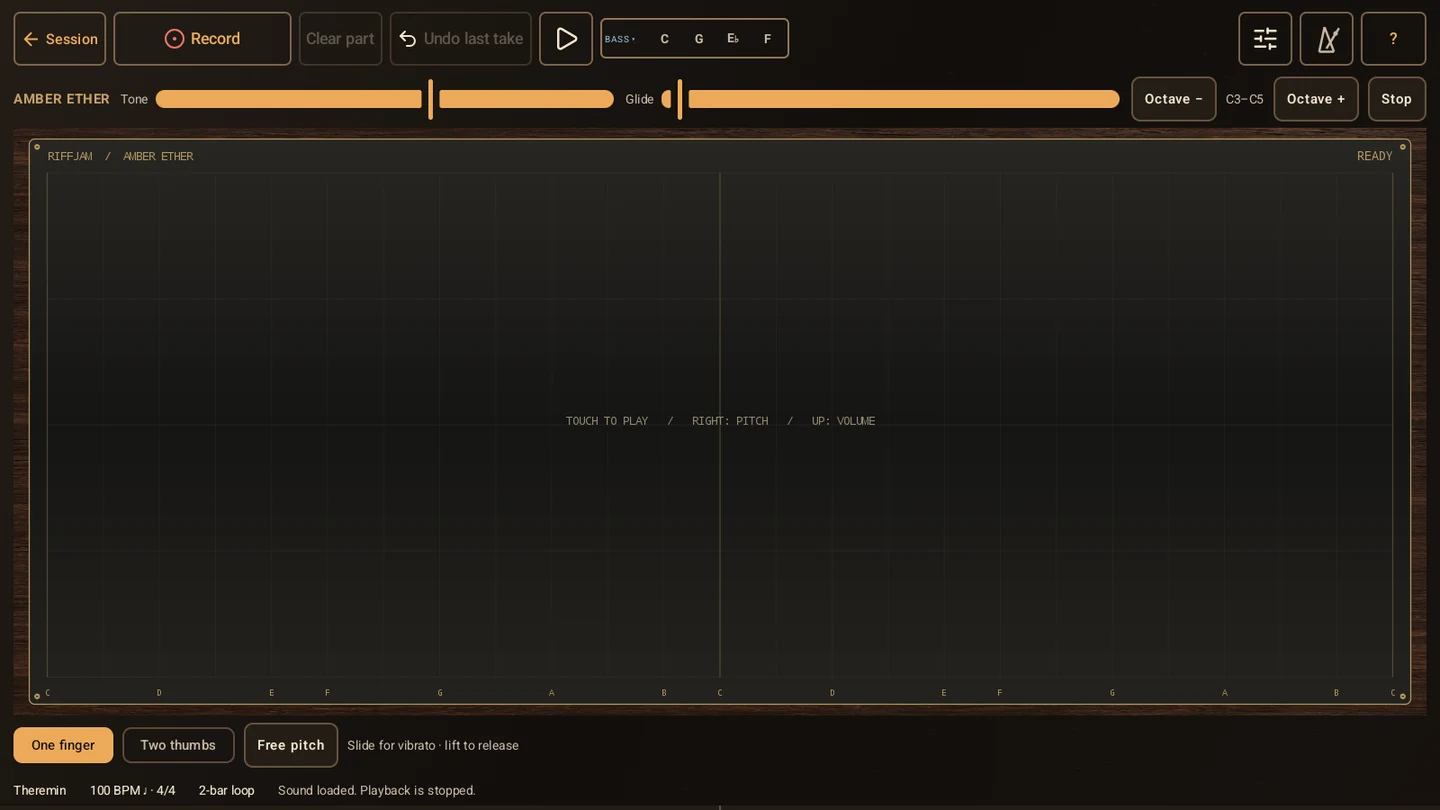
Glide through pitch and volume, or shape wordless vocal cries, growls and vowel transitions.
Hear complete presets with guitar, bass and drums playing together.
Combine recorded parts, change the sounds and keep editing as you listen.
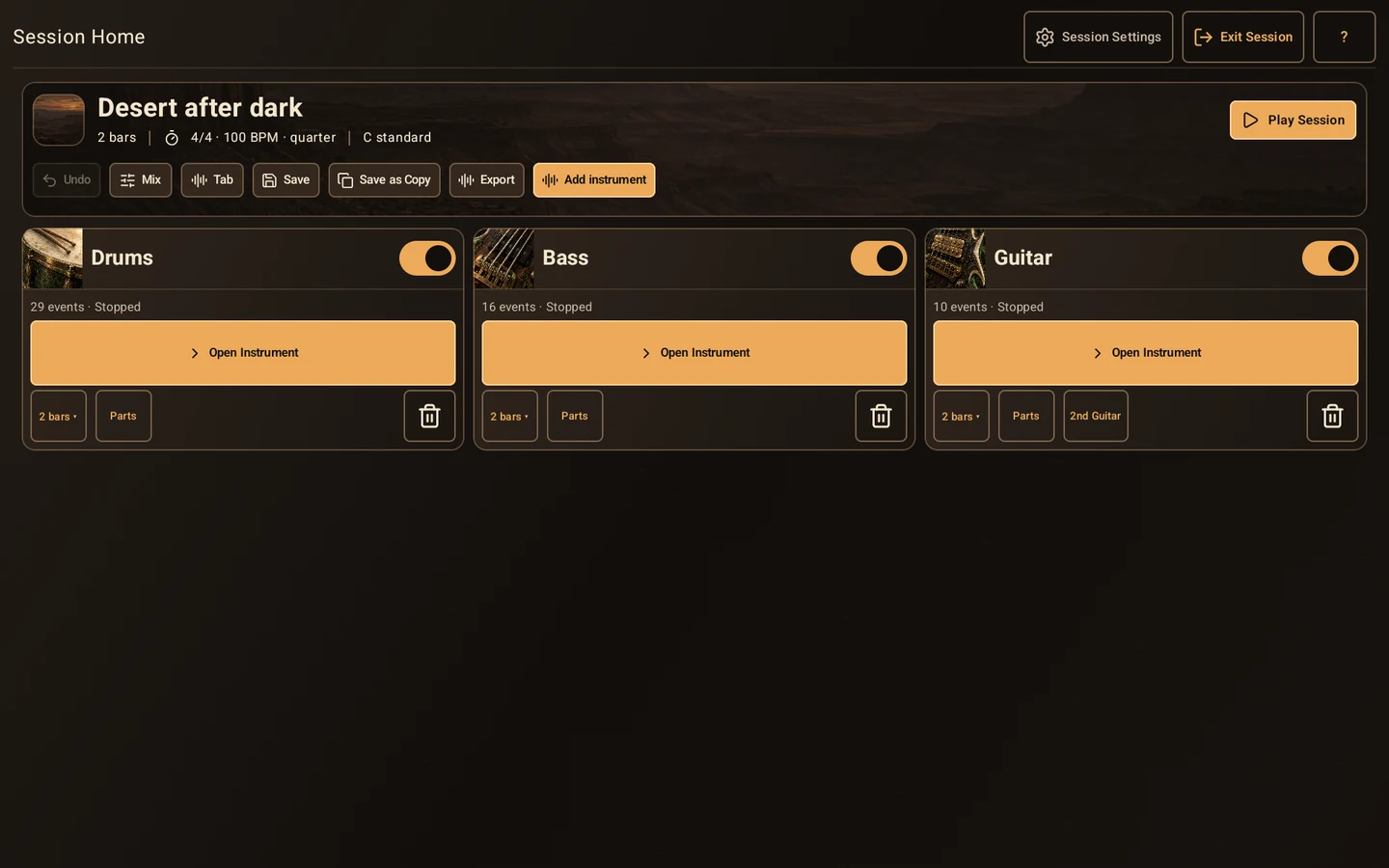
Preview grooves and full arrangements, select the instruments you want, or start with an empty session.
Edit chord buttons, generate progressions and keep the chords you like while trying new ones.
Choose an instrument preset, shape your tone with improved cabinet controls, adjust effects and save your own sounds.
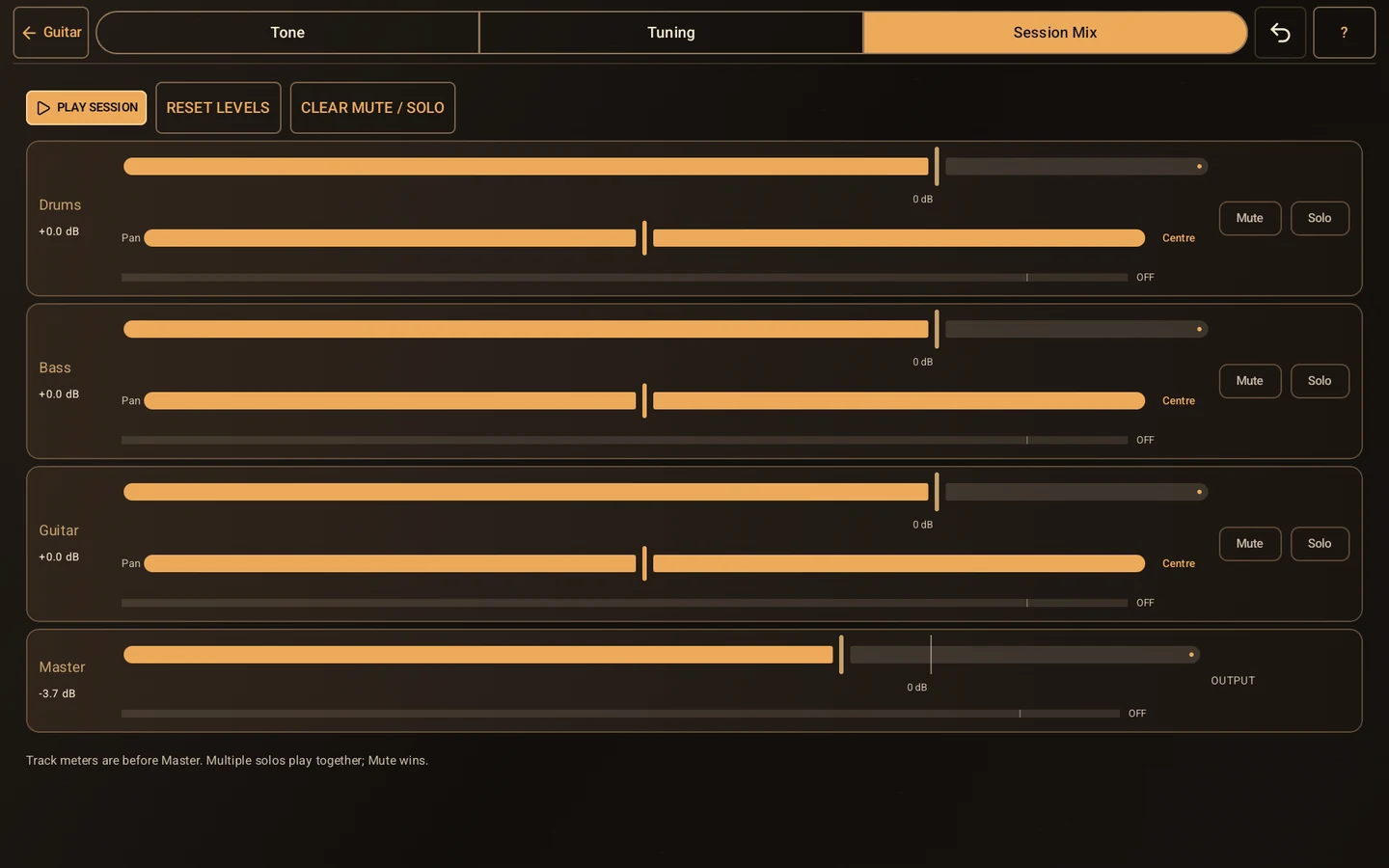
Adjust volume and pan, mute or solo parts, and set a loop length for each instrument.
Record expressive guitar, bass and drums, layer your parts, and keep refining your session.
Export WAV, MIDI, MusicXML or an editable RiffJam session. Back up your library to move devices.
RiffJam is available now on Google Play for Android phones and tablets.
Explore expressive cries, growls, screams and vowel transitions with Premium Theremin Vocal mode. Shape each phrase with pitch, level and independent vibrato.
Explore Vocal mode →Open the new session preset to hear drums, bass, two guitars and Vocal Cry together. Explore the sounds and make the arrangement your own with Premium.
Meet the Vocal Theremin →Clearer take controls, exact tempo, strength, timing, effect and mixer values, and repeat-to-range tools make building a session easier. Find updated guidance in the offline user manual, including bass expression, drum layouts and session sharing.
Recording and overdubs →Follow the first-session walkthrough or look up an instrument, control or export option. The manual is also included offline in the app.
RiffJam is available on Google Play for Android phones and tablets. Download it free and unlock Premium inside the app with one purchase.
RiffJam supports 64-bit Android phones and tablets running Android 7.0 or later, held in landscape. Google Play confirms device compatibility.
Just your Android device. Start with a groove and try a few notes, or follow the first-session walkthrough in the User Manual. RiffJam captures the instruments you play inside the app; it does not record a microphone or an external guitar.
Yes. Once installed, the bundled instruments, recording and saved sessions work offline. Downloading the app, buying or restoring Premium, opening web links, and transferring files through an online provider require a connection.
Premium adds Acoustic Guitar, Keys and Theremin, and lets you build sessions with up to eight instruments, including extra guitars, basses and drum kits. Each has its own sound and recording. Premium also includes Second Guitar harmonies, tablature editing and practice tools. It is one purchase, with no subscription.
Yes. Export a RiffJam session to keep it editable, a WAV to share the sound, or MIDI/MusicXML to work with notes elsewhere. Use Export backup for your wider library, then Import file or backup on the other device. Sessions stay local unless you choose to share them; there is no automatic cloud sync.
A WAV keeps the rendered RiffJam sound and mix. MIDI and MusicXML carry musical information, not the full instrument sound, effects or expressive gestures. Keep the native RiffJam session too when you want to edit it later.